Only your product gets recorded.
Approve the app windows for your demo once. CursorShot records those windows and keeps the rest of your desktop out.
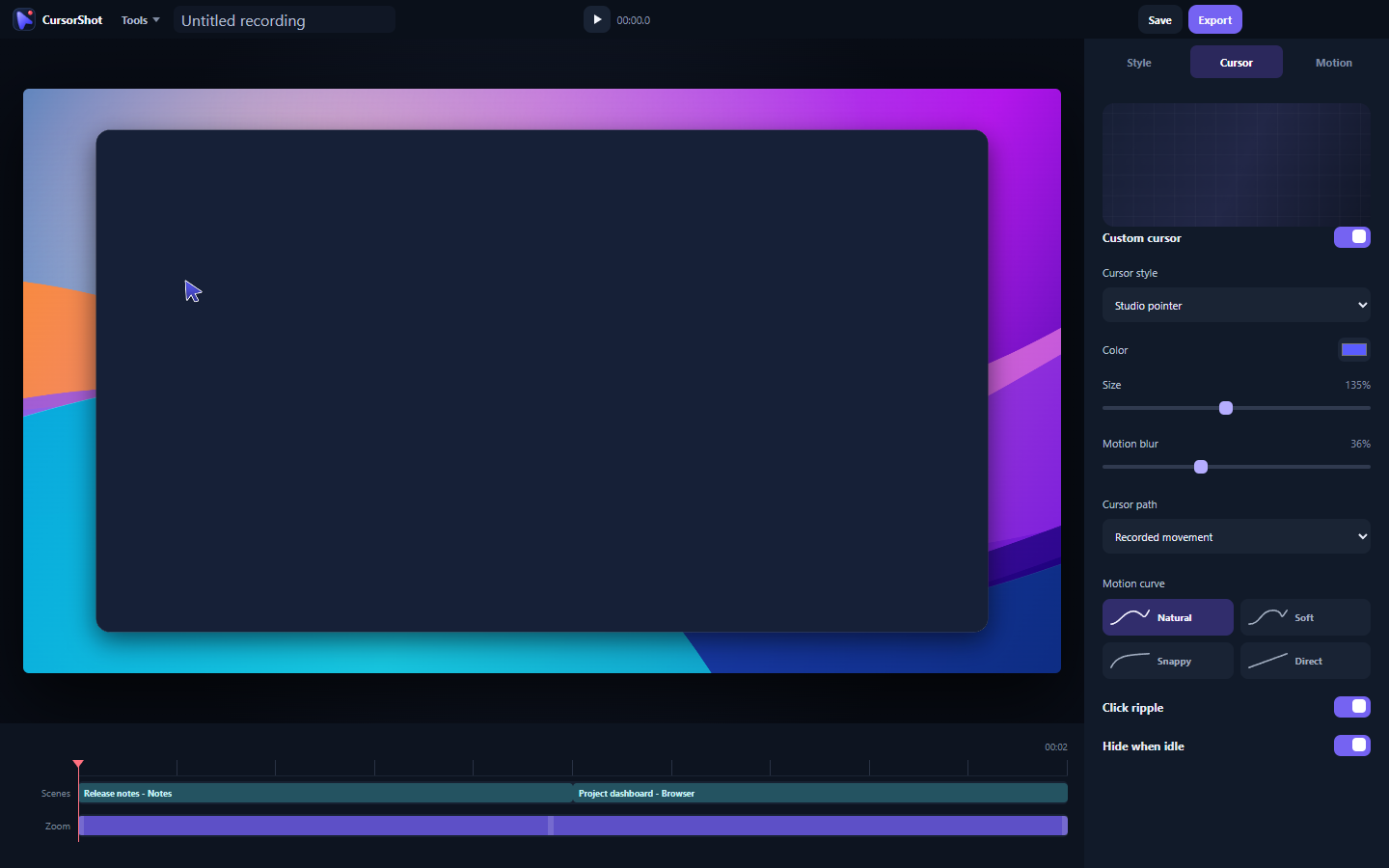
Capture app windows, polish cursor motion and zooms, then export locally.
Approve the app windows for your demo once. CursorShot records those windows and keeps the rest of your desktop out.
Trim scenes, adjust zooms, and time your captions. Bring the whole edit together on one timeline.
Give one app the spotlight, layer your windows, or let them share the screen.
Only the app windows you explicitly approve. When another app comes to the foreground, automatic capture pauses rather than recording it.
No. Recording, project storage, editing, and export stay on your computer. Account and license services contain no screen content.
CursorShot supports 1080p, 1440p, and 4K output at 30 or 60 fps. MP4 is the primary delivery format, with WebM available in the editor.
CursorShot can record audio from selected apps and includes timeline captions, background music, and click sounds. It does not record a microphone, webcam, or the full desktop audio mix.
Start a 14-day trial with a payment method, followed by the monthly or annual price you choose.
A subscription covers 3 authorized devices and can keep a verified paid license offline for up to 30 days.